Product overview
What is the Discovery 911 panic button?
The Discovery 911 panic button is a portable personal safety device that lets you request medical or security assistance at the press of a button, or through the Discovery Insure app (virtual panic button).
The device keeps you connected to emergency help wherever you are, giving you peace of mind at home or on the move.
You do not need any insurance cover with Discovery Insure or the Discovery Group to use the panic button.
How the physical device works
When the panic button is pressed:
- A signal is sent using low powered, long range communication (Sigfox) and Discovery Insure's Crowd Search functionality.
- The device uses GPS technology to determine your location.
- Your alert and location are sent to Discovery's appointed emergency response partner.
- Front facing LED lights show the device's current status (mode).
Getting started
Step 1: Charge the device
- Use the provided USB C charging cable.
- Plug the cable into a power source.
- The LED light next to the charging port will turn orange while charging and turn green when fully charged (this could take up to one hour).
Step 2: Log in to the Discovery Insure app
- Open the Discovery Insure app.
- If you don't have it installed, download it here:


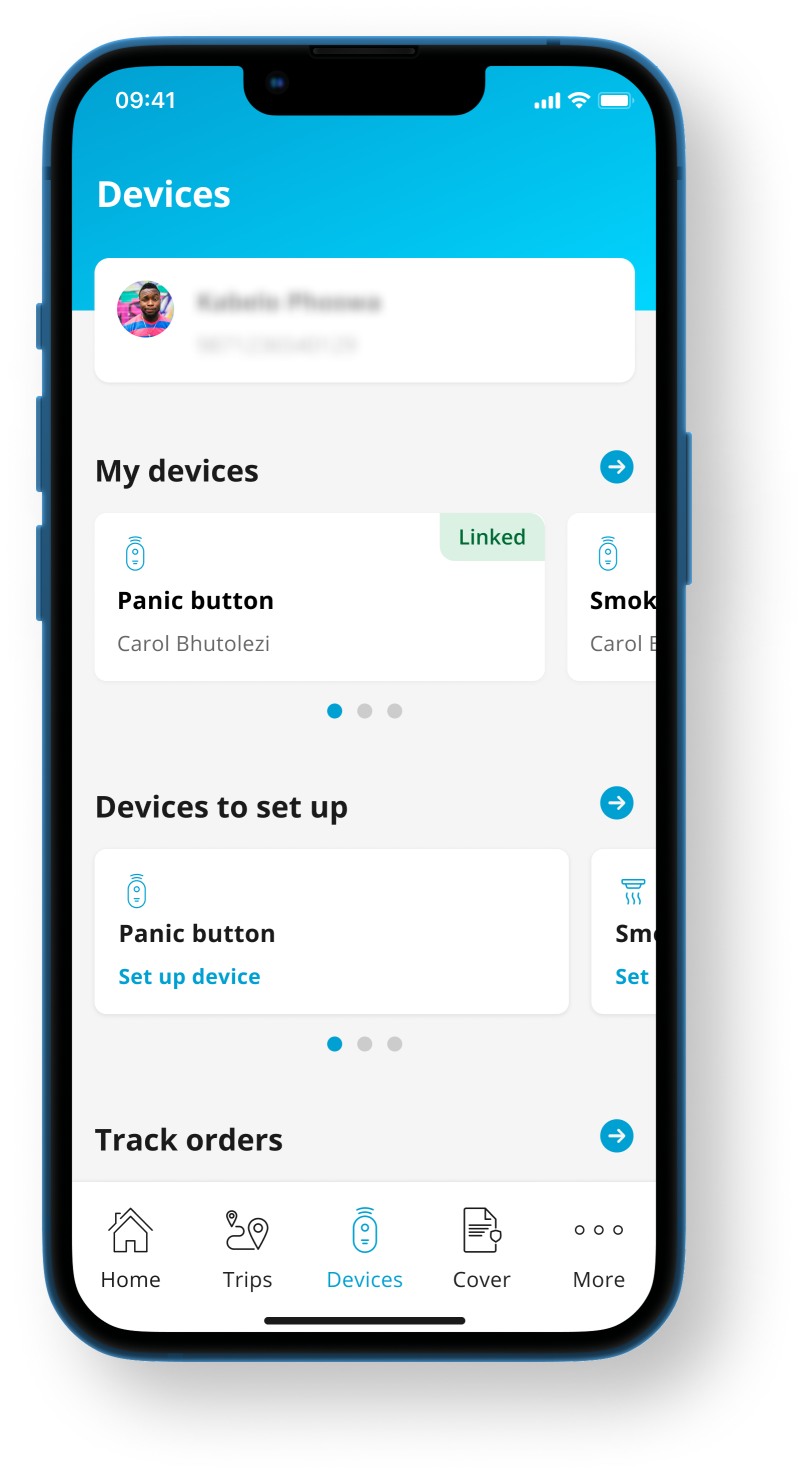
Step 3: Complete setup in the app
- Locate your panic button order in the app.
- Select the panic button option.
- Scan the QR code when prompted.
- Follow the on screen setup and complete activation.
Remember to test your device to make sure it's ready to use. The app will prompt you to test it after you complete the setup process.
Using the physical panic button
Triggering an emergency alert
To call for help:
- Press and hold the button for three seconds.
- You will hear a beep and feel a vibration confirming activation.
- The LED light (on the front of the device) will briefly flash yellow while sending the alert, then pulse red to indicate Distressed mode.
What happens after you press the button
Once pressed:
- Your alert and location are sent to Discovery's response partner.
- Your location continues to update regularly.
- A response agent will phone you immediately to assess your situation.
- If you don't respond, a team will be dispatched to your last known location.
- If medical assistance is needed, the appropriate response will be arranged.
Once your safety is confirmed or you've been assisted medically, the device exits Distressed mode automatically.
Emergency response
Emergency alerts are triaged (assessed) by Aura, which will coordinate:
- Security response, or
- Medical assistance through Netcare 911, where needed.
This ensures that the most appropriate help is sent as quickly as possible.
Operating modes and location tracking
The panic button operates in different modes depending on how it's used.
Default mode
- Your location updates regularly when moving.
- This mode is active when no emergency session is running.
Distressed mode
This mode is activated when you press the panic button.
- Your location updates every three minutes, even when you are not moving
- The red LED light pulses.
- Battery usage is higher. The battery may last up to 12 hours in this mode.
LED light indicators
Main indicator light (front of device)
- Red pulse: Distressed mode active
- Red pulse every 10 seconds: Critical low battery
- Yellow pulse every 10 seconds: Low battery
Charging and battery indicators (near the charging port)
- Orange light while plugged in: Charging
- Green light: Fully charged
You will also receive an SMS notification when the battery is low. You can also view the battery status on the Devices tab in the Discovery Insure app.
Charging the device
- Charge the device with a USB-C cable.
- Fully charge the device before extended travel or use.
- Regular charging ensures reliable performance during emergencies.
Virtual panic button (app based option)
In addition to the physical device, the Discovery Insure app offers a virtual panic button.
Features include:
- Separate medical and security alert buttons
- Emergency response coordinated by Aura or Netcare 911.
The virtual panic button is ideal as an additional or backup safety option. It's automatically included when you buy the physical panic button.
Important things to know
- The panic button works independently of insurance cover.
- GPS accuracy depends on signal availability.
- Keep the device charged and easily accessible.
- You won't be able to send an alert when the LED light is flashing red (in other words, when you are in a low-coverage area).
Technical specifications
Hardware specifications
- Dimensions: 70mm x 30 mm x 10 mm
- Product colour: Black
- One button
- GPS sensor
- USB-C charging port
- Rechargeable 450 mAh, 3.7 V lithium-polymer battery
- Communication: Bluetooth 5.4, Sigfox RC1, GNSS
- Operating frequencies: 2.402 - 2.480 GHz (Bluetooth), 868.130 MHz + 869.525 MHz (Sigfox), 1.559 GHz - 1.610 GHz (GNSS).
Safety requirements for a lithium-ion battery
- Do not dispose of the device or its battery in fire, hot ovens, or through mechanical crushing or cutting, as this may cause an explosion.
- Do not use the device below -20°C or above 60°C.
- Do not expose the device to excessive mechanical shock.
Discovery Telematic Services (Pty) Ltd is a licensed security business under the Private Security Industry Regulation Act, incorporated in South Africa with limited liability. Registration number: 2019/585012/07. Product rules, terms and conditions apply. www.discovery.co.za, or you can call 0860 751 751.